Working with Gemini
In Part 2 I described how I managed to capture speech to text from a program on ABC Radio National and then use Gemini to format that material into a more readable state. Rather than take up lots of space here with the text I’ve created a PDF of the work I’ve done.
The program, The AI Con — unpacking the artificial intelligence hype machine was part of the Big Ideas series, presented by Natasha Mitchell. It went to air on 2 September and is available on the ABC Listen.
Simply click this link for the text version of the interview.
Working on my own project
In this post I’ll briefly explain how I’ve used Gemini AI to speed up the process of updating existing material and scoping out new material.
This is a very easy process, but I must emphasise the importance of checking the references for any content coming from Gemini.
Overall, I found Gemini quite accurate but I think my use benefits from two things:
1. I’m familiar with the subject matter, and it’s new content and facts I’m searching for.
2. I was educated at a time when library research formed the basis of papers written towards my university degree. Spending a couple of weeks in the library note taking prior to preparing a final draft of a paper was usual.
Familiarity with the subject matter, lexicon and the academic disciplines underpinning my content influences my use of AI, ensuring that I’m vigilant in avoiding the presentation of others’ work as my own. My inclination is to write over the finished text from Gemini and apply my own distinctive mode of expression.
An example of working with AI to update my work
Here are two documents. The first was written in 1997 and explored the relationship between Australia and Indonesia from prehistory to the present. The original document was in an application that has been discontinued. Using TextEdit, it was possible to open the original files, but the formatting was absent.
My next step was to ask Gemini to reformat under the headings that were buried somewhere in the text. I had no inclination to search for them. Here is the result.
Then I asked Gemini to update the text and add any additional headings deemed important. Here is the result.
I won’t use any of the AI-updated text directly. I will use it as a guide and undertake a deeper dive into the material. Fortunately, I’m quite familiar with the subject.
A closing observation
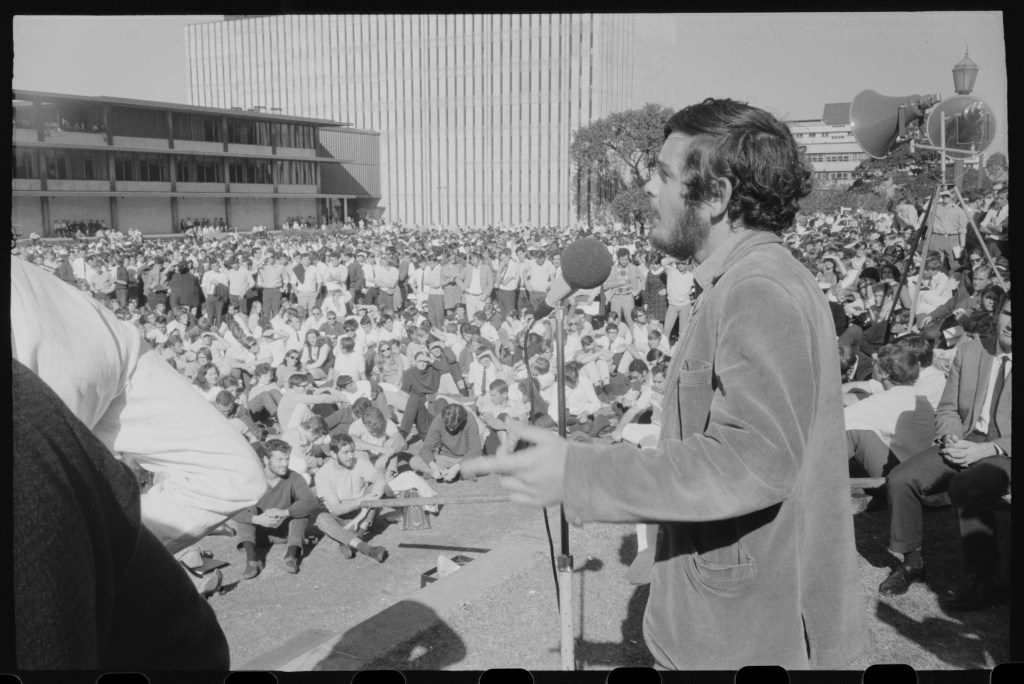
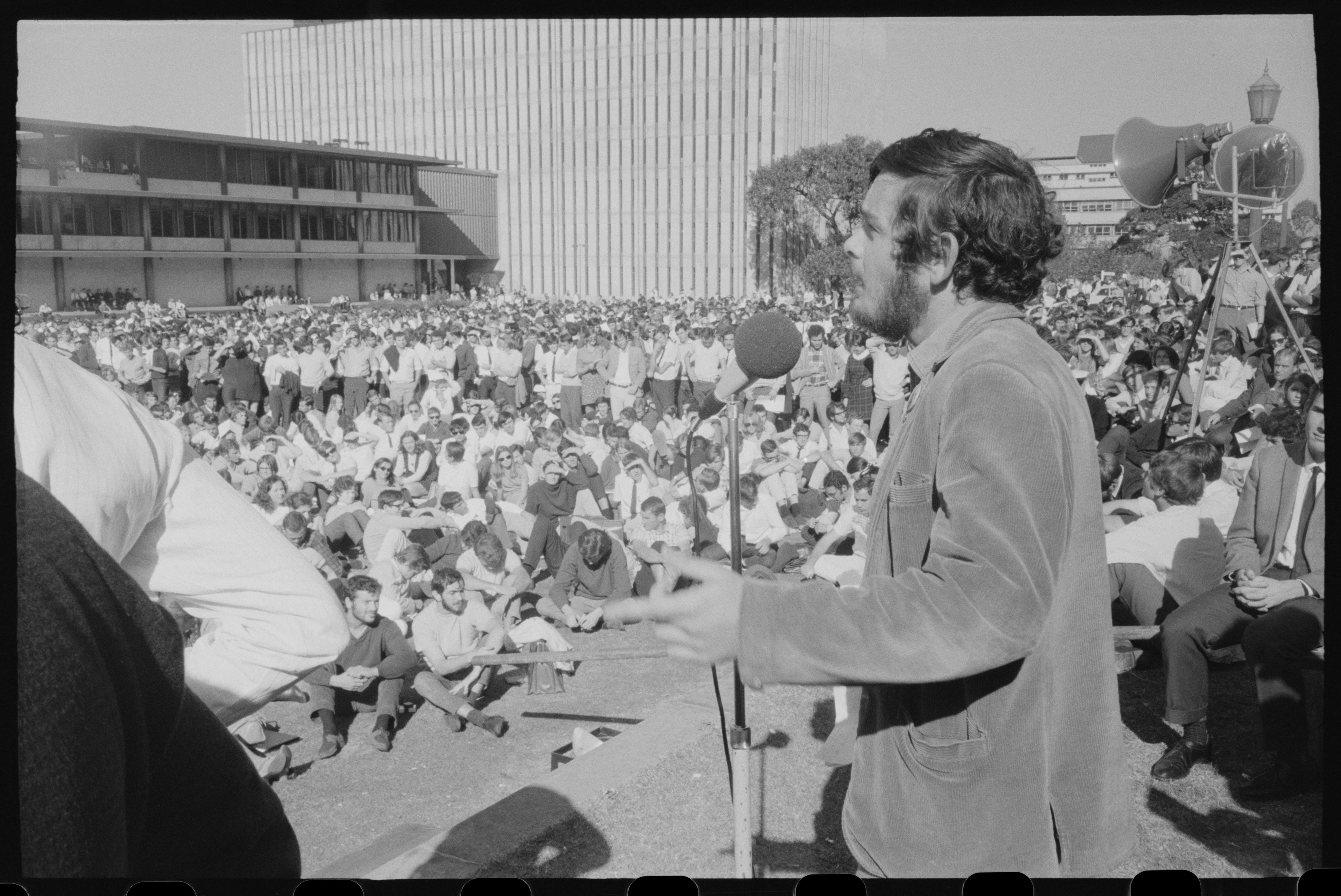
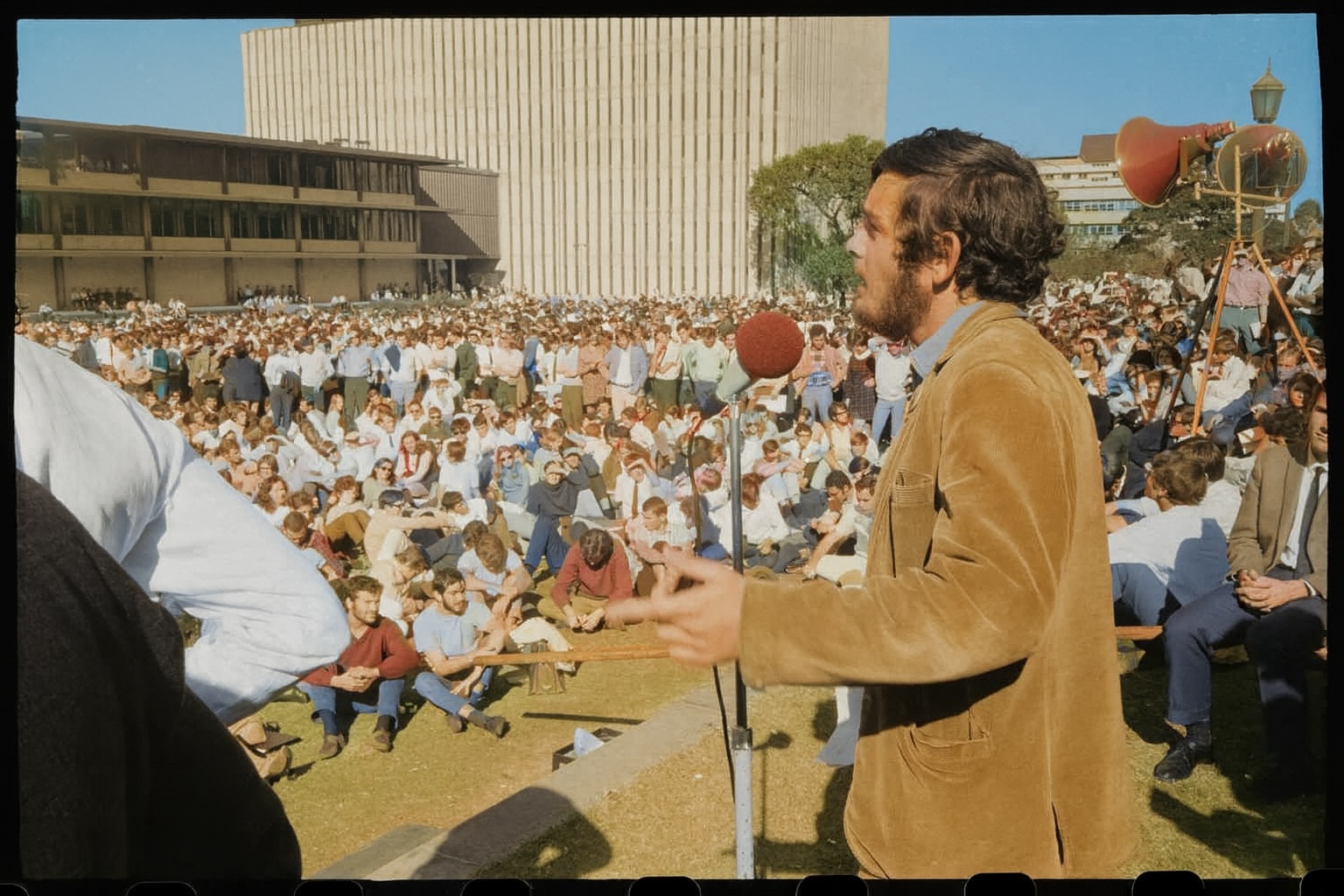
The photo that heads this post is of me, addressing a Front Lawn crowd at the University of Sydney in 1969. I had it colourised by Copilot. Here is the result.
 Maximos' Blog
Leave a comment